
Monitors
Desktop Monitors
Fully enclosed monitors with a stand or VESA mount — a complete display ready to deploy at a workstation, counter, or control position without a custom housing.
A Complete Display, Ready to Use
A desktop monitor is a finished product. The panel, driver electronics, housing, stand, and connectors all arrive as one unit, so it can be placed on a desk or mounted to an arm and connected to a host system the same day it lands.
That makes it the right answer when the display stands on its own rather than disappearing into your equipment — a technician's workstation, a service counter, a control room position, or a second screen alongside an embedded system. Where the display needs to be built into a machine, kiosk, or panel instead, an open frame monitor is usually the better fit.
US Micro Products helps you specify and source desktop monitors with the same attention we bring to custom display programs: matching the configuration to the application, confirming availability against your build schedule, and planning for the long service life that industrial and medical equipment demands.
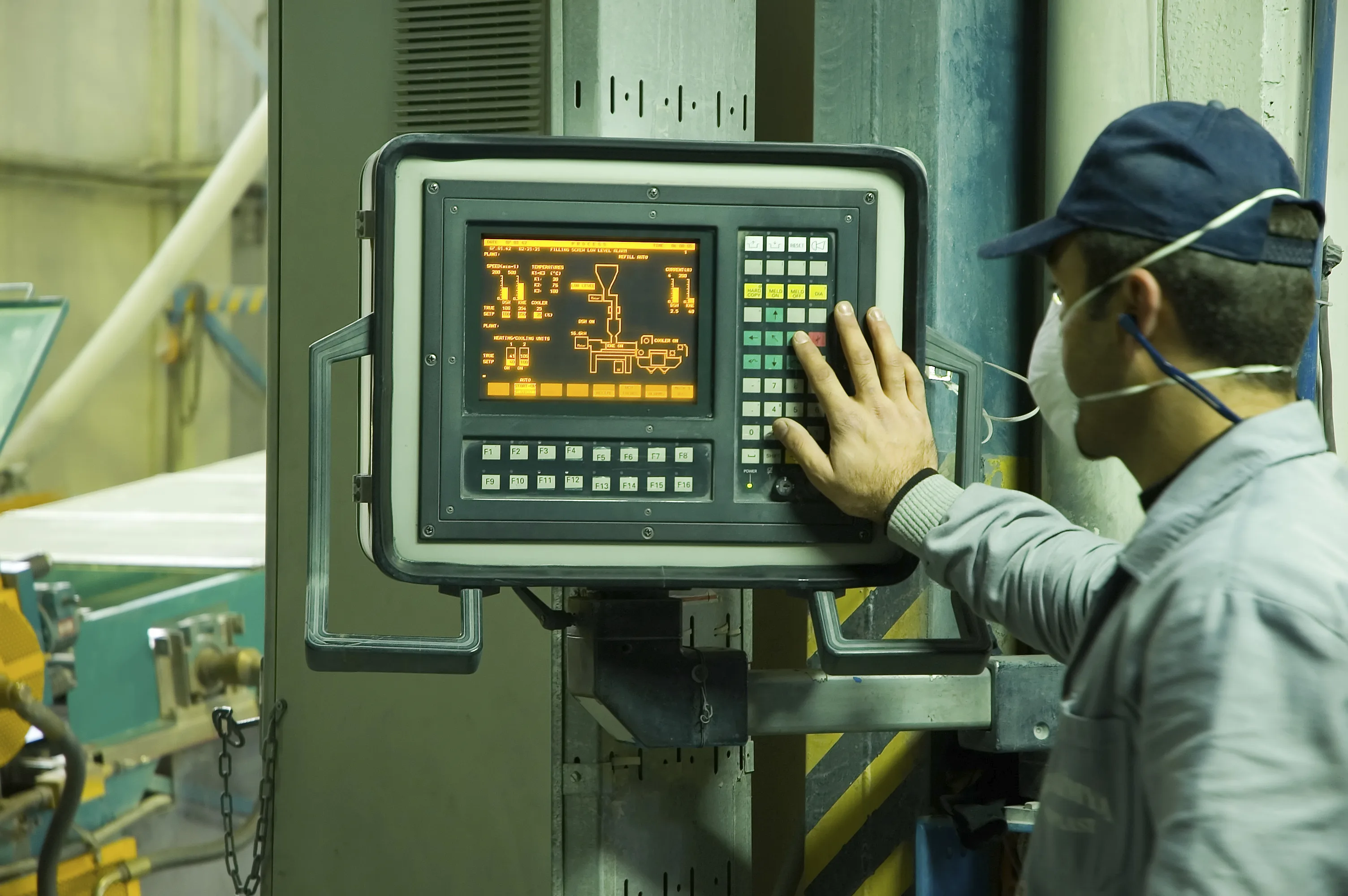
Complete and Enclosed
Housing, stand, and connectors are already part of the product. There is no enclosure design, no bracket work, and no bezel to fabricate before it can be used.
Fast to Deploy
A desktop monitor ships ready to place and connect, which shortens the path from order to a working station compared with an integrated display build.
Simple to Service
A standalone unit can be swapped in the field without opening equipment, which keeps downtime short across a fleet of workstations.
Desktop or Open Frame?
Both put the same display technology in front of the operator. The difference is whether the monitor stands alone or is built into your product.
Desktop Monitor
- Complete housing, bezel, and stand included
- Stand or VESA mounting
- Standard video inputs and power supply
- Swappable in the field without opening equipment
Best for: Workstations, service counters, control positions, and standalone signage
Open Frame Monitor
- Bare panel and mounting frame, no housing
- Built into your enclosure or machine
- Your bezel, your branding, your front panel
- Flexible mounting for tight mechanical envelopes
Best for: Kiosks, gaming cabinets, industrial equipment, and embedded panels

How We Configure a Monitor
Specifying a desktop monitor is a short set of decisions. These are the ones that matter most to how it performs on the floor.
Screen Size & Resolution
Diagonal size and resolution selected around viewing distance and how much information the operator needs on screen at once.
Touch Option
Available with projected capacitive or resistive touch, or as a non-touch display where the operator works from a keyboard and mouse.
Brightness & Optics
Brightness, anti-glare treatment, and optical bonding reviewed against the lighting conditions the monitor will sit in.
Video Inputs
Input selection — including HDMI, DisplayPort, VGA, and DVI — defined to match the host system already in place.
Mounting
Supplied on a desk stand or with VESA mounting for arms, poles, carts, and wall plates.
Bezel & Branding
Housing color, bezel treatment, and custom branding available on higher-volume programs.
Where Desktop Monitors Are Used
Each environment puts a different demand on the monitor — cleaning protocols, continuous operation, ambient light, or public handling.
Related Products
Open Frame Monitors
Panel-and-frame monitors built into kiosks, gaming cabinets, and industrial equipment.
Touch Panels
PCAP and resistive touch solutions, including glove-compatible and custom cover glass.
Custom Displays
Engineered display solutions built around optical, mechanical, and electrical needs.
Desktop Monitor FAQs
Need Desktop Monitors for Your Program?
Tell us the screen size, touch requirement, inputs, and mounting you have in mind. Our engineers will confirm the configuration and check availability against your build schedule.
Request a Quote